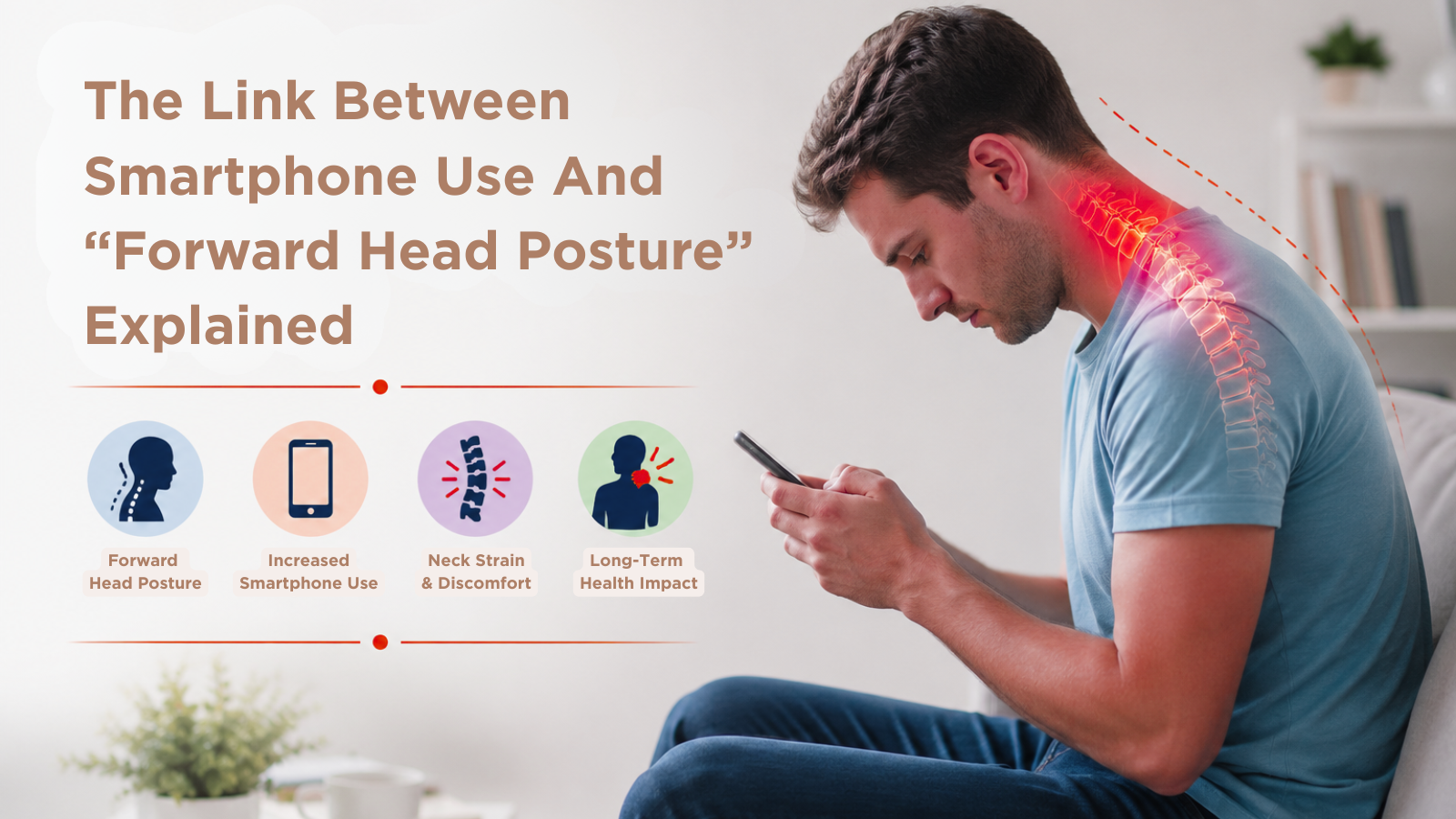
Smartphones have changed the way we work, communicate and relax. Whether it is checking emails, scrolling social media or watching videos, many Australians now spend several hours each day looking at a screen.
While smartphones offer convenience, prolonged use may also influence posture habits over time. One common issue associated with heavy device use is forward head posture, sometimes referred to as “text neck”.
Forward head posture can place extra strain on the neck, shoulders and upper back, particularly when combined with long periods of sitting and limited movement throughout the day.
Understanding how smartphone use may affect posture can help people make healthier choices that support spinal comfort and long-term mobility.
What Is Forward Head Posture?
Forward head posture occurs when the head shifts further forward than its ideal alignment over the shoulders.
In a balanced posture, the ears generally sit in line with the shoulders when viewed from the side. With forward head posture, the chin often protrudes forward and the upper shoulders may round.
This altered position may increase stress on the muscles and joints that support the neck and upper spine.
Some people with forward head posture experience:
Not everyone with posture changes experiences pain, and symptoms can vary depending on the individual and their daily habits.
Why Smartphones Can Affect Posture:
Most people naturally lower their head while using a smartphone. When this position is repeated for long periods throughout the day, it may contribute to muscle tension and postural strain.
The head is relatively heavy, and as it moves further forward, the muscles in the neck and upper back often need to work harder to support it.
Common habits that may contribute to forward head posture include:
- Looking down at a phone for extended periods
- Slouching while sitting
- Using devices in bed
- Working long hours without breaks
- Holding screens too low
- Spending most of the day seated
Over time, these patterns may influence posture awareness, flexibility and muscle balance.
What Is “Text Neck”?
“Text neck” is a commonly used term describing neck and upper back discomfort associated with prolonged screen use.
Although smartphones are often blamed, similar posture-related issues may also develop from laptop and desktop computer use.
People experiencing text neck symptoms may notice:
- Tightness around the neck and shoulders
- Headaches after screen use
- Stiffness between the shoulder blades
- Discomfort when looking down
- Reduced neck movement
- Fatigue during desk work
The relationship between posture and pain is complex. Some individuals with noticeable forward head posture have little discomfort, while others may experience symptoms more easily.
How Forward Head Posture May Impact Daily Life:
Poor posture habits can gradually affect how the body feels during work, exercise and everyday activities.
Increased Muscle Fatigue
When the head sits further forward, the surrounding muscles may need to work harder to maintain support, particularly during long periods of sitting.
Tightness in the upper trapezius and surrounding muscles is commonly reported in people who spend long hours using devices.
Headaches
Some individuals experience tension-related headaches associated with tight muscles and reduced movement around the neck and upper back.
Reduced Mobility
Forward head posture may contribute to stiffness and reduced flexibility in the neck and shoulders over time.
The Importance of Movement in a Screen-Based World:
Technology is now part of everyday life, and avoiding screens completely is unrealistic for most people. Instead, improving movement habits and reducing prolonged static postures may help support better comfort and function over time.
Small daily changes, such as taking more movement breaks or improving screen setup, can often make a meaningful difference.
Developing healthier posture habits early may also help reduce strain associated with long-term smartphone and computer use.
FAQ Section
Can smartphone use cause forward head posture?
Prolonged smartphone use may contribute to posture changes over time, especially when devices are used in downward-looking positions for long periods.
What are the symptoms of forward head posture?
Symptoms may include neck tension, headaches, shoulder tightness, upper back discomfort and reduced neck mobility.
Is text neck permanent?
Not necessarily. In many cases, posture-related symptoms may improve with movement, ergonomic changes and appropriate professional support.
Can chiropractic care help with posture-related discomfort?
Chiropractic care may help support mobility, posture awareness and muscular tension management after an appropriate assessment.
How can I improve my posture while using my phone?
Holding your phone closer to eye level, taking regular breaks and avoiding prolonged slouched positions may help reduce posture strain.
If you are experiencing ongoing neck tension, headaches or posture-related discomfort associated with smartphone or desk use, the team at Wellbeing Chiropractic can provide an individual assessment tailored to your needs.
With clinics across Melbourne, Sydney and Brisbane, our chiropractors work with patients to better understand posture habits, movement patterns and lifestyle factors that may be contributing to discomfort. Appropriate care may include hands-on treatment, posture advice, mobility exercises and ergonomic recommendations based on your individual presentation.